


Page 53 - SQL
P. 53
GO


        Even though the above two queries return the same information, the execution plan will be bit
        different. But cost wise there will be not much difference.


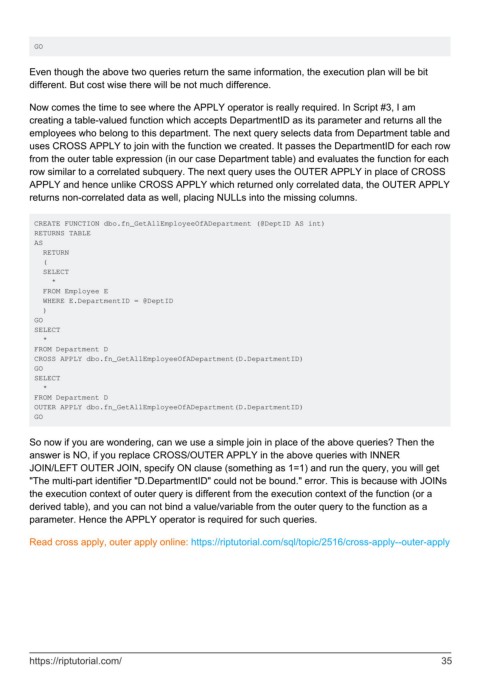
        Now comes the time to see where the APPLY operator is really required. In Script #3, I am
        creating a table-valued function which accepts DepartmentID as its parameter and returns all the
        employees who belong to this department. The next query selects data from Department table and
        uses CROSS APPLY to join with the function we created. It passes the DepartmentID for each row
        from the outer table expression (in our case Department table) and evaluates the function for each
        row similar to a correlated subquery. The next query uses the OUTER APPLY in place of CROSS
        APPLY and hence unlike CROSS APPLY which returned only correlated data, the OUTER APPLY
        returns non-correlated data as well, placing NULLs into the missing columns.


         CREATE FUNCTION dbo.fn_GetAllEmployeeOfADepartment (@DeptID AS int)
         RETURNS TABLE
         AS
           RETURN
           (
           SELECT
             *
           FROM Employee E
           WHERE E.DepartmentID = @DeptID
           )
         GO
         SELECT
           *
         FROM Department D
         CROSS APPLY dbo.fn_GetAllEmployeeOfADepartment(D.DepartmentID)
         GO
         SELECT
           *
         FROM Department D
         OUTER APPLY dbo.fn_GetAllEmployeeOfADepartment(D.DepartmentID)
         GO


        So now if you are wondering, can we use a simple join in place of the above queries? Then the
        answer is NO, if you replace CROSS/OUTER APPLY in the above queries with INNER
        JOIN/LEFT OUTER JOIN, specify ON clause (something as 1=1) and run the query, you will get
        "The multi-part identifier "D.DepartmentID" could not be bound." error. This is because with JOINs
        the execution context of outer query is different from the execution context of the function (or a
        derived table), and you can not bind a value/variable from the outer query to the function as a
        parameter. Hence the APPLY operator is required for such queries.


        Read cross apply, outer apply online: https://riptutorial.com/sql/topic/2516/cross-apply--outer-apply


        https://riptutorial.com/                                                                               35

