


Page 28 - SQL
P. 28
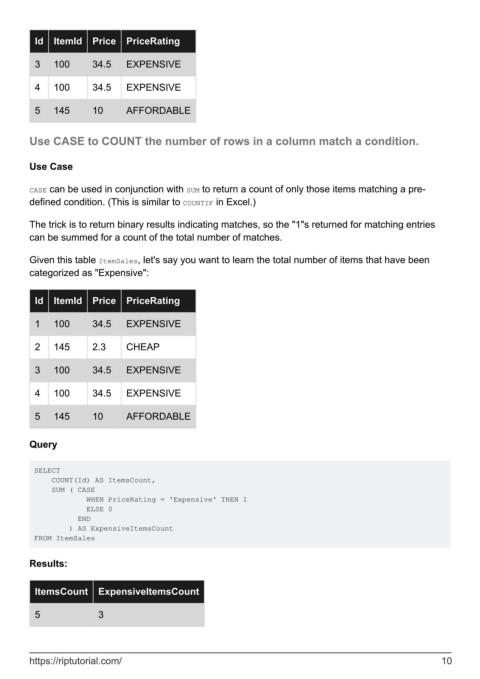
Id  ItemId    Price   PriceRating

          3   100       34.5    EXPENSIVE


          4   100       34.5    EXPENSIVE

          5   145       10      AFFORDABLE


        Use CASE to COUNT the number of rows in a column match a condition.


        Use Case


        CASE can be used in conjunction with SUM to return a count of only those items matching a pre-
        defined condition. (This is similar to COUNTIF in Excel.)

        The trick is to return binary results indicating matches, so the "1"s returned for matching entries
        can be summed for a count of the total number of matches.


        Given this table ItemSales, let's say you want to learn the total number of items that have been
        categorized as "Expensive":


          Id  ItemId    Price   PriceRating


          1   100       34.5    EXPENSIVE

          2   145       2.3     CHEAP


          3   100       34.5    EXPENSIVE

          4   100       34.5    EXPENSIVE


          5   145       10      AFFORDABLE


        Query


         SELECT
             COUNT(Id) AS ItemsCount,
             SUM ( CASE
                     WHEN PriceRating = 'Expensive' THEN 1
                     ELSE 0
                   END
                 ) AS ExpensiveItemsCount
         FROM ItemSales


        Results:


          ItemsCount     ExpensiveItemsCount


          5              3


        https://riptutorial.com/                                                                               10

