


Page 156 - SQL
P. 156
Note that only DepartmentID from the People table is shown and not ID from the Department
        table. Only one of the fields being compared needs to be shown which is generally the field name
        from the first table in the join operation.


        Although not shown in this example it is possible that joining tables may result in two fields having
        the same heading. For example, if I had used the heading Name to identify the PersonName and
        Dept fields (i.e. to identify the Person Name and the Department Name). When this situation
        arises we use the table name to qualify the field names using the dot notation: People.Name and
        Departments.Name

        join combined with select and project can be used together to pull information:


        join People and Departments where DepartmentID = ID giving A
        select A where StartYear = 2005 and Dept = 'Production' giving B
        project B over PersonName giving C

        or as a combined expression:


        project (select (join People and Departments where DepartmentID = ID) where StartYear =
        2005 and Dept = 'Production') over PersonName giving C

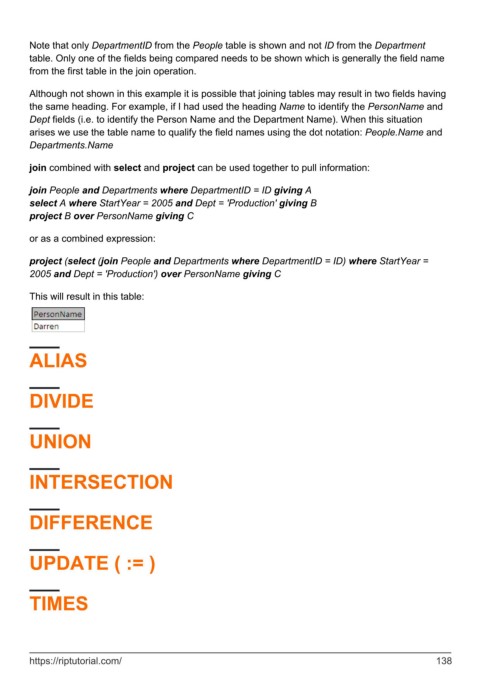
        This will result in this table:


        ALIAS


        DIVIDE


        UNION


        INTERSECTION


        DIFFERENCE


        UPDATE ( := )


        TIMES


        https://riptutorial.com/                                                                             138

